Both kinds of tool listen to your calls, and both get called "AI meeting assistants," which makes them easy to mix up. They are built for different moments, though. A notetaker helps after the call: it records, transcribes and writes a summary. A live call assistant helps during the call: it hears a question and shows you a suggested answer while you can still use it.
Here's how they differ, what each is good at, and how to tell which one your work needs.
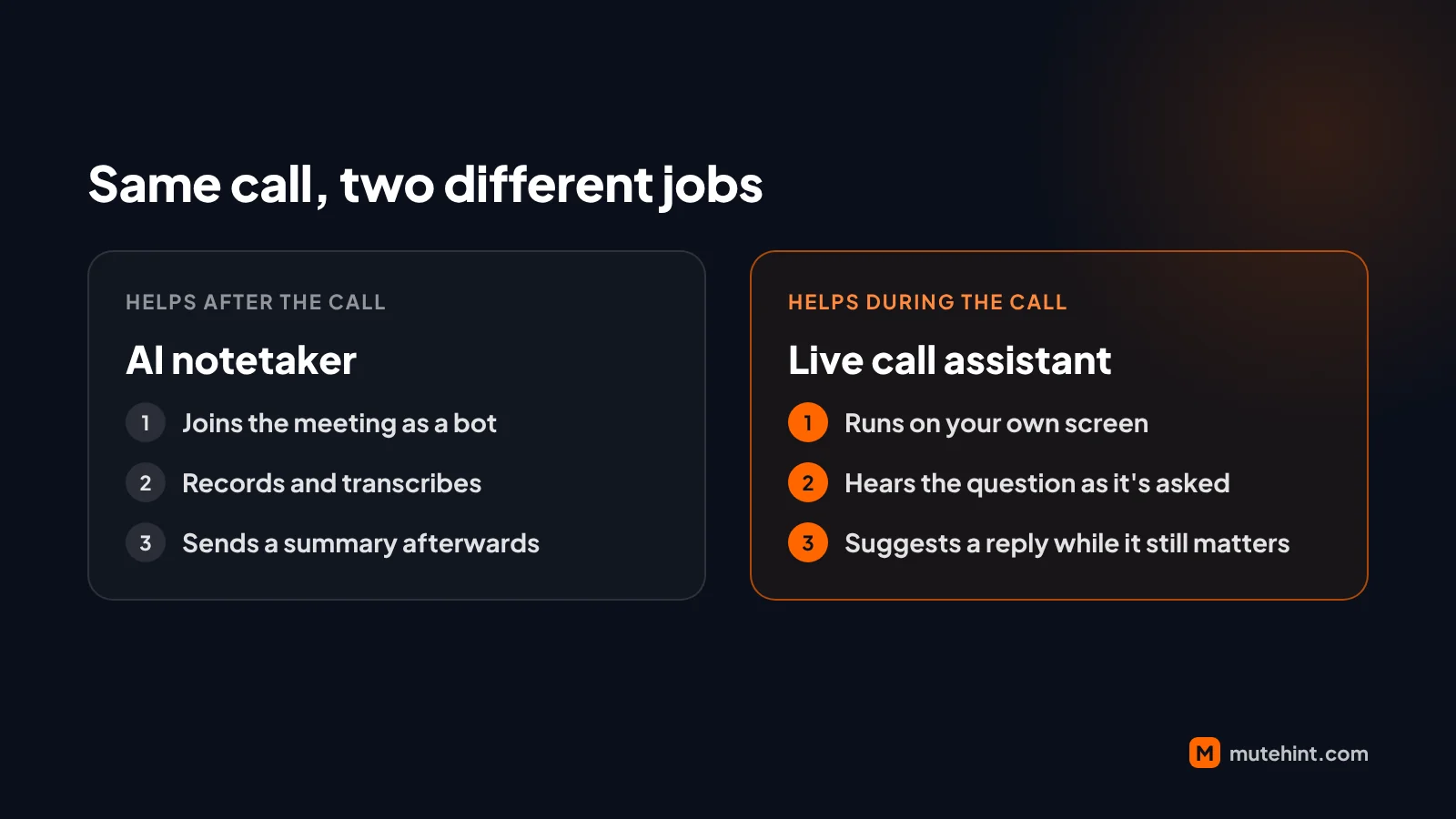 Same call, two different jobs: notes for later, or help in the moment.
What an AI notetaker does
A notetaker's job is memory. Most of them connect to your calendar and join scheduled meetings as a participant, often shown as a bot in the attendee list. They record the audio, turn it into a transcript, and afterwards send a summary with decisions and action items.
That works well when:
- Nobody wants to take notes. Everyone can pay attention while the tool writes things down.
- People who missed the meeting need to catch up. A summary and a searchable transcript beat "can someone fill me in?"
- You need a record. For handovers, client calls or anything you may need to look up later, the transcript is the point.
What it can't do is help you while the meeting is happening. The summary arrives when the moment has passed.
What a live call assistant does
A live assistant's job is the moment itself. It listens to the call as it happens. When someone asks a question or pushes back, it shows a short suggested reply on your own screen, a few seconds after they stop talking. You read it, put it in your own words, and answer.
That works well when:
- The hard part is answering, not remembering. Sales objections, tough questions after a presentation, a negotiation where the other side pushes on terms.
- You know your material, but under pressure it doesn't come to mind. A prompt with the key facts helps you find words you already had.
- You're on your own. No colleague is there to jump in with the number or the answer you're blanking on.
A live assistant isn't a note-taking system. If you need a full transcript to share with the team afterwards, it's the wrong tool.
The differences that matter
| AI notetaker | Live call assistant | |
|---|---|---|
| When it helps | After the call | During the call |
| What you get | Transcript, summary, action items | A suggested answer to the question just asked |
| Where it runs | Usually a bot that joins the meeting | An app on your own computer |
| Who can see it | Usually everyone on the call (the bot is a participant) | Only you, on your screen |
| Best for | Records, catch-ups, handovers | Sales calls, negotiations, Q&A, interviews you're allowed help in |
Consent: the question both need you to answer
Any tool that listens to a call raises the same question: do the other people on the call know, and have they agreed? This isn't a technicality. In August 2025 a class action was filed against Otter.ai in a federal court in California. Its central complaint is that Otter's assistant joined and recorded meetings in which some participants never agreed to it. The case is still in court. It's a reminder that "my tool did it automatically" is not the same as consent.
Recording and consent laws differ by country and, in the US, by state. Some places require every participant to agree before a call is recorded. Whatever you use:
- Tell people when an AI tool is listening, especially on calls with customers or candidates.
- Follow your company's rules. Many employers have a policy on which AI tools may be used on calls.
- Respect explicit "no AI" rules. If an interview, an exam or a client contract forbids AI help, that rule wins.
A tool that keeps no recording, like a live assistant that sends audio for transcription and stores no copy, carries less risk than one that keeps a recording. It doesn't remove the need to be open with people.
How to choose
Ask yourself one question: is your problem forgetting what was said, or knowing what to say?
- If you leave calls unsure who promised what, use a notetaker.
- If you leave calls thinking "I wish I'd said...", use a live assistant.
- If both are true, they can work side by side. They do different jobs.
Where MuteHint fits
MuteHint is a live call assistant. It runs as a desktop app on Mac and Windows, next to Zoom, Google Meet, Teams or any other call app, and it doesn't join the call. When a question is asked, it shows the question and a short suggested answer in a small window that only you see. Call audio goes from your computer to Google using your own Gemini API key, and MuteHint keeps no recording. You pick a profile before the call (meeting, sales call, presentation, negotiation or interview), so the suggestions fit the conversation.
If that's the kind of help you're missing, see how MuteHint works in meetings.