Use case
They push on terms. You don't give it away.
MuteHint listens to the other side, picks out the demand or the pushback and shows a short, calm reply you can give, using the limits and goals you set before the call.
The Negotiation profile is in paid plans, from $25 with a 7-day money-back guarantee. The free plan lets you try the app with the Interview profile.
- No card needed
- macOS and Windows
- 7-day money-back guarantee
What you see during the call
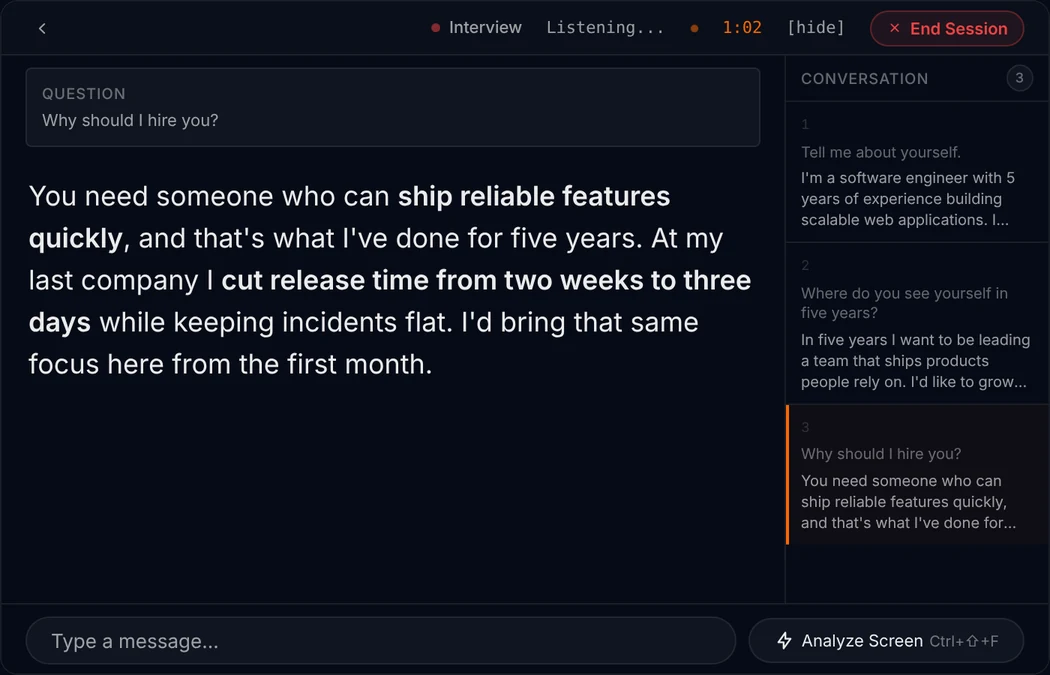
Three things, the same on every call. No scores, no labels, no checklist to read.
1
The question that was just asked
MuteHint listens to the other side of the call and picks out the question. It shows it in a small Question box, so you can check it heard the same thing you did.
2
A short answer you can say
Below the question is a few sentences in plain spoken language, with the key phrases in bold. Read it at a glance, then say it your way.
3
The next step, when you ask
Press Ctrl+Enter (Cmd+Enter on a Mac) and it gives you the next step. A Conversation panel keeps the questions asked so far.
For example
They ask: “We'd need at least 20% off to move forward.”
I understand budget matters here. What would 20% need to cover for you? If it is the first year, we could look at payment terms rather than the price itself. What does your timeline look like?
Make it about you
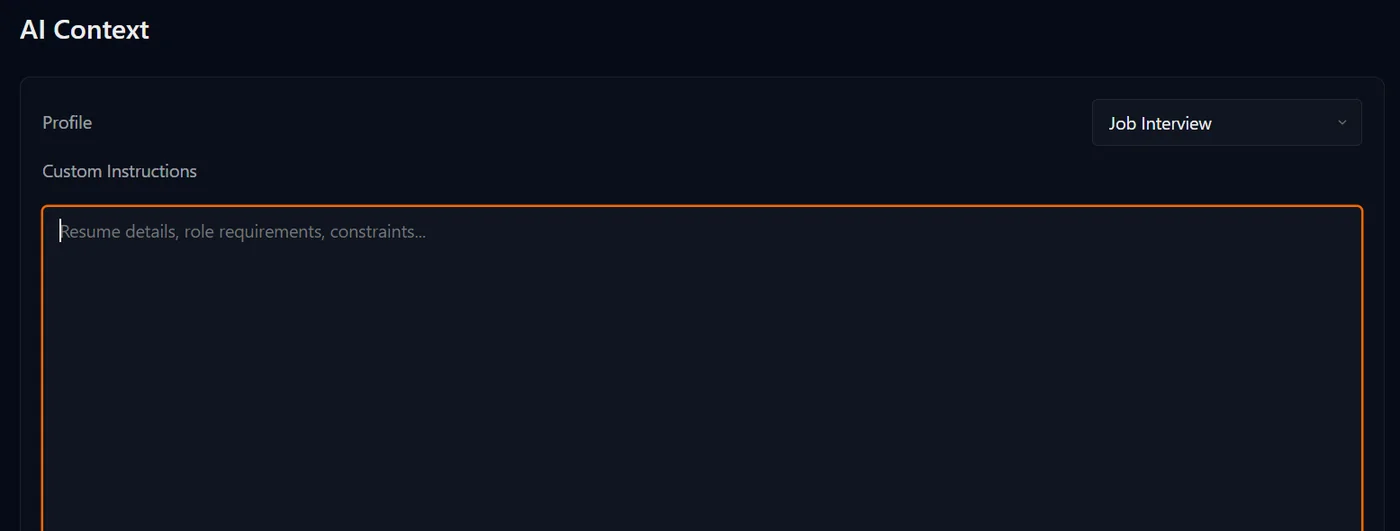
Tell it your limits before the call
Choose the Negotiation profile and paste in what you would keep on a card in front of you.
- Your goal, and the point you will not go past.
- What you can trade instead of price: terms, scope, timing.
- What you know about the other side and what they want.
The text you paste is sent to your AI provider and saved with your session on MuteHint's servers.
Set up before the call
Step 1
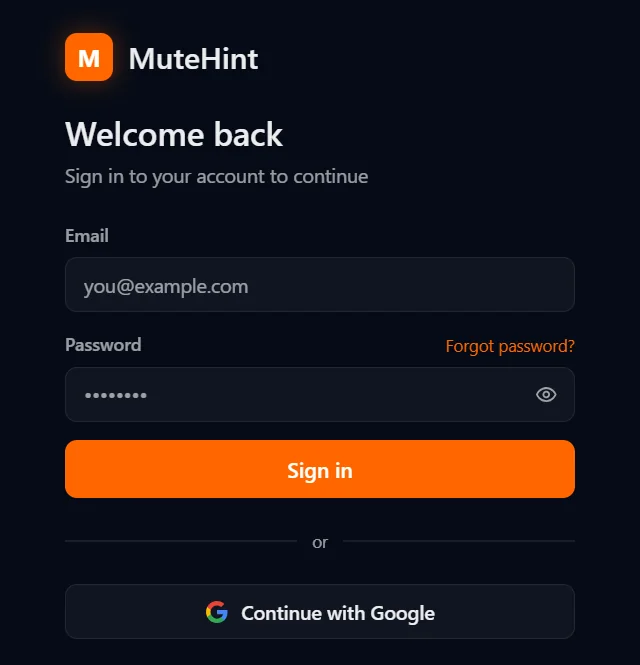
Create a free account
Sign up, then download the app for macOS or Windows from your dashboard. Sign in with your email or with Google.
Step 2
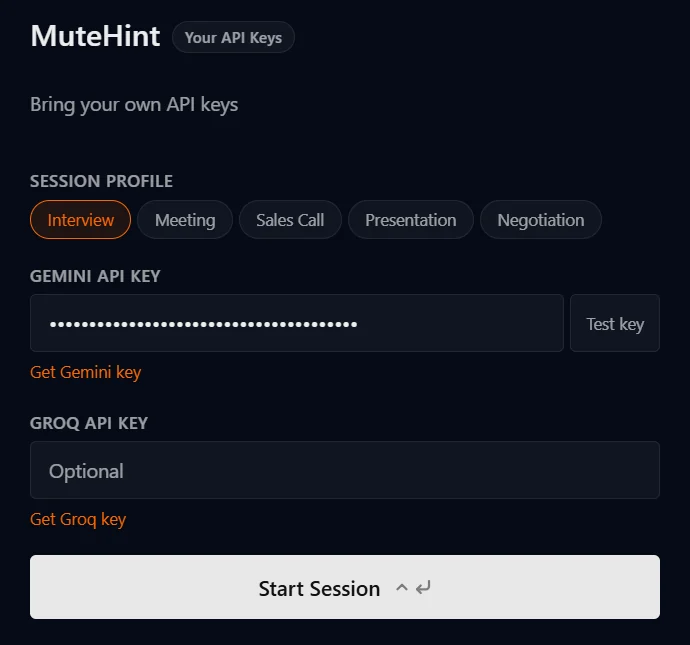
Add your own AI key
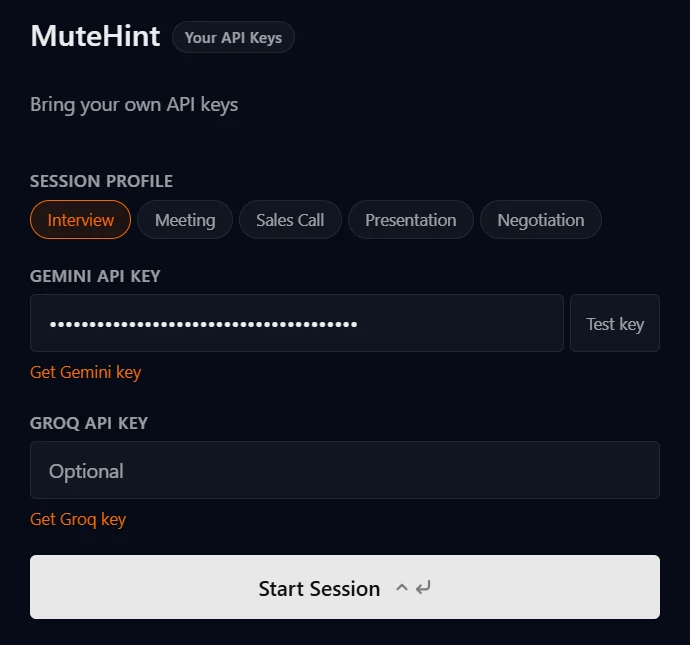
Paste a Gemini API key from Google AI Studio into the app and test it with one click. You pay Google directly, with no markup from us.
Step 3
Pick a profile and join
Start a session before your call. MuteHint listens, picks out the question you were just asked and puts an answer you can say on screen, with the key phrases in bold.
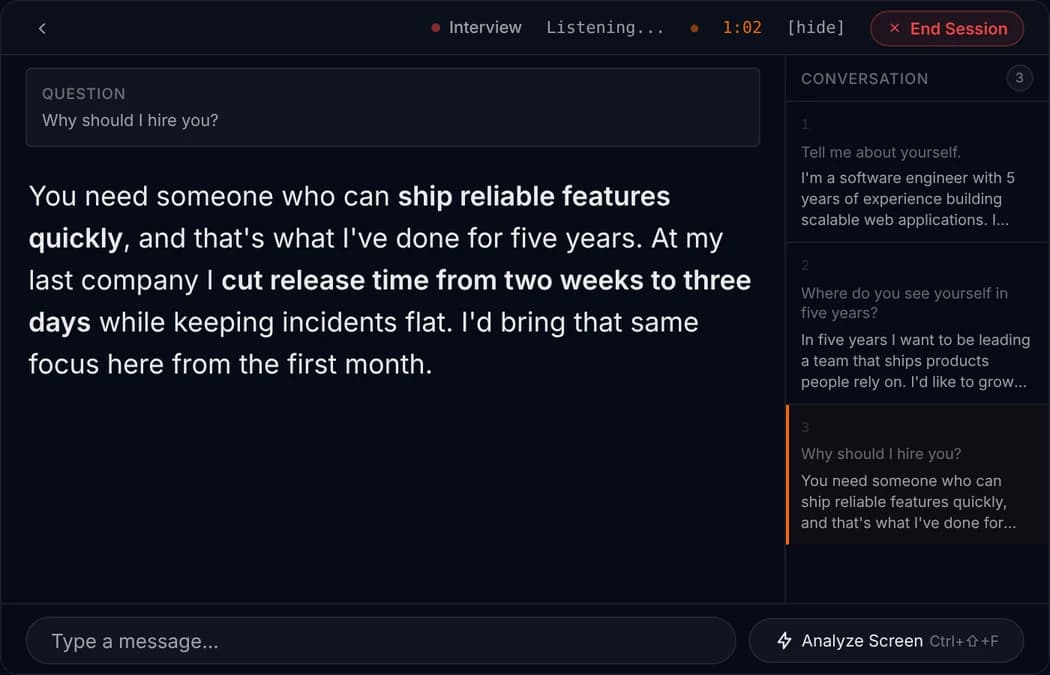
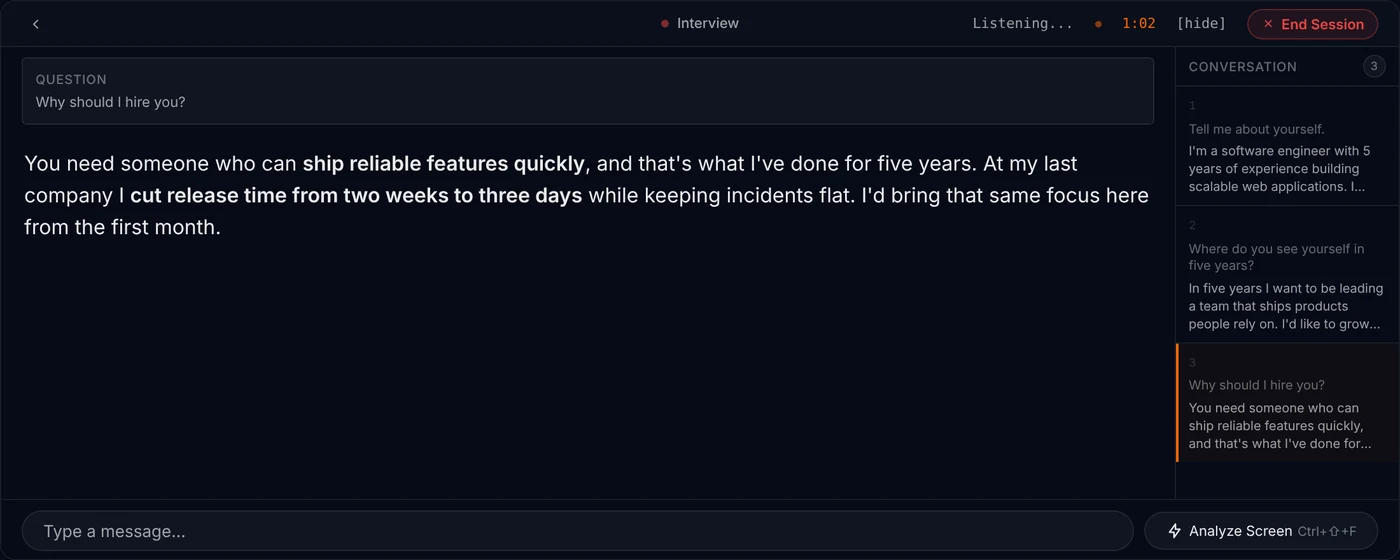
Example session. The question and answer are samples, shown on the app's live screen.

The first concession is the expensive one
Most money in a negotiation is lost in the first few seconds after a demand, when the silence feels too long and you fill it with a yes. A question costs nothing and usually tells you more than the demand did.
It helps to decide before the call what you can trade, so that when they ask for something you can offer something else instead of simply giving way. And to know your walk-away point, so you can hear a hard demand calmly.
MuteHint helps in that moment. It puts a short, measured reply on your screen that uses the limits and goals you pasted in. It does not know your business better than you do, and it only knows what you gave it, so check any figure before you say it. You make the decisions.
Questions people ask before they try it
Can the other side see MuteHint during my call?
No. The hint window appears only on your screen, and MuteHint never joins the call as a participant. Click-through mode (Ctrl+M, or Cmd+M on a Mac) lets your mouse keep working with the call underneath, and Ctrl+\ (Cmd+\ on a Mac) hides the window instantly.
Does MuteHint join the call or show up as a participant?
No. It listens to the sound on your own computer. Nothing joins the meeting, and there is no bot in the participant list.
Does it listen to me or to the other person?
By default it listens to the other side: the sound coming out of your computer. In Settings you can switch it to your microphone, or to both.
Can I give it my CV or my pitch?
Yes. Paste your CV, the job description, your pitch or your notes into the context box before you start. The AI uses it to write answers that sound like you.
Do I have to tell the other side?
MuteHint does not join or record the call. Laws and workplace rules about using assistance on calls differ by country and employer, and you are responsible for following the ones that apply to you.
Can it negotiate for me?
No. MuteHint never speaks or joins the call. It shows a suggested reply on your own screen, and you decide whether to say it, change it or ignore it.
Keep reading
Your next call is coming either way. Take a coach in with you.
Start free with the Interview profile: 2 sessions a week, 15 minutes each. The Negotiation profile is in paid plans, from $25.
No card needed. Paid plans from $25, with a 7-day money-back guarantee.